Keep it simple—here’s what you need to start in Procreate:

An iPad Pro
Any iPad that runs Procreate works. Think of it as your portable studio — ready whenever you have a little pocket of time..

A Stylus
An Apple Pencil (or compatible stylus) helps your lines feel natural — like drawing in a sketchbook, just smoother and easier to refine.
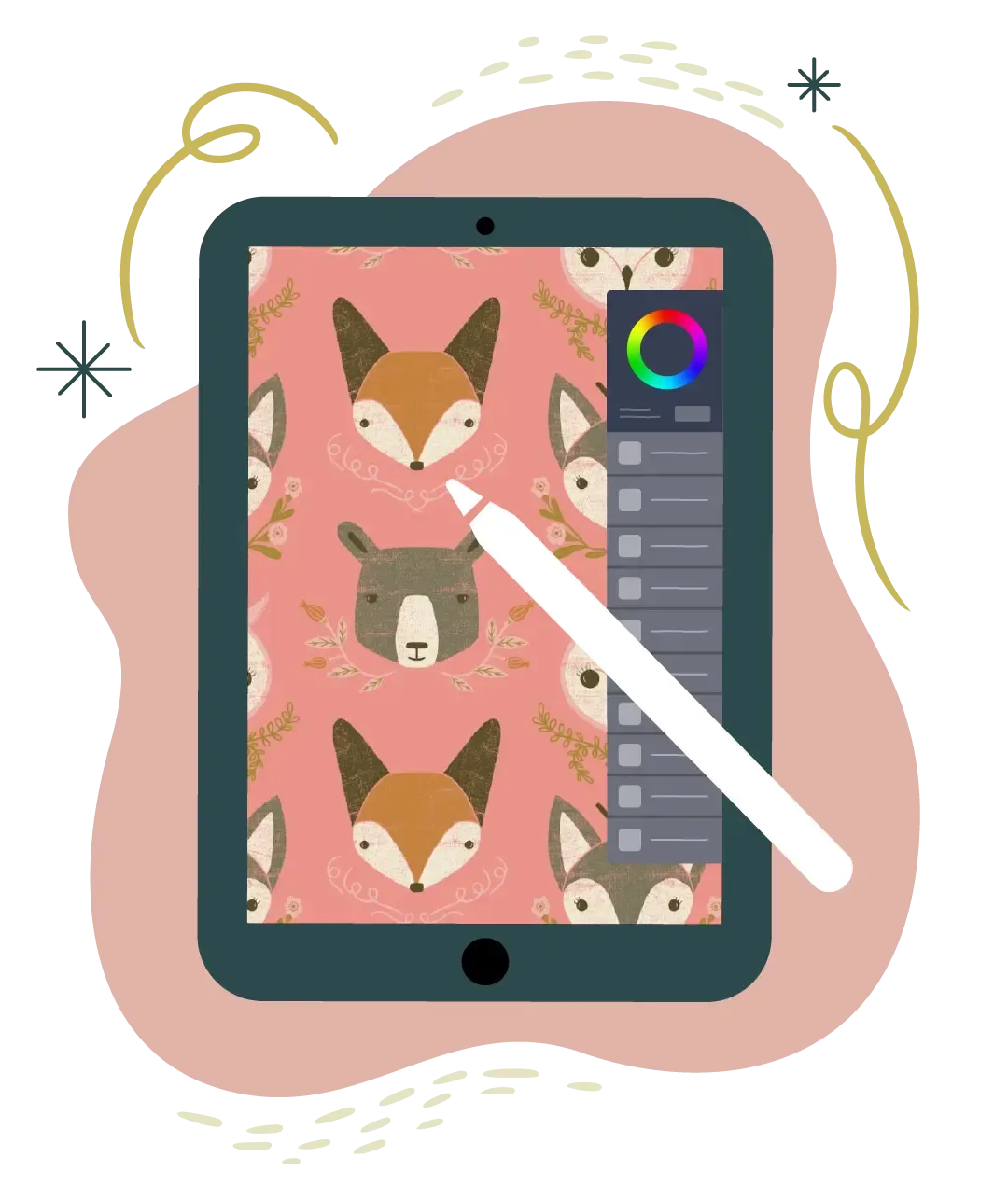
Procreate App
Procreate is an artist-friendly illustration app. And with Trusted Steps, you won’t be left wondering, “Wait… what did she tap?”
Make art that feels like you — and feel good making it.

Traditional Artists—This One Is For You!
You don’t have to leave behind your sketchbook, brushes, or love of paper to use Procreate. This mini course is about adding a tool to the art you already love — while keeping your work feeling like you.
If you’ve ever thought:
“Digital feels intimidating.”
“I don’t want to lose my style.”
“I just need someone to show me the basics… slowly.”
…you’re in the right place.
Here's What You’ll Learn in 3 Days:

MARCH 10:
Releases at 10 AM Central Time
Why Procreate Works for Traditional Artists
“Digital art is too complicated.”
“I don’t need another tool.”
Let’s make Procreate feel friendly. I’ll show you why it’s such a great fit for artists who love hand-drawn work — and we’ll get you set up so you’re ready to start sketching with confidence.

MARCH 11:
Releases at 10 AM Central Time
Your First Trusted Steps in Procreate
“I don't even know how to draw!”
“I don't know the basics of using Procreate.”
This is where the overwhelm disappears. You’ll learn the core tools you actually need — layers, brushes, color, and texture — step by step, with clear “do this next” guidance.

MARCH 12:
Releases at 10 AM Central Time
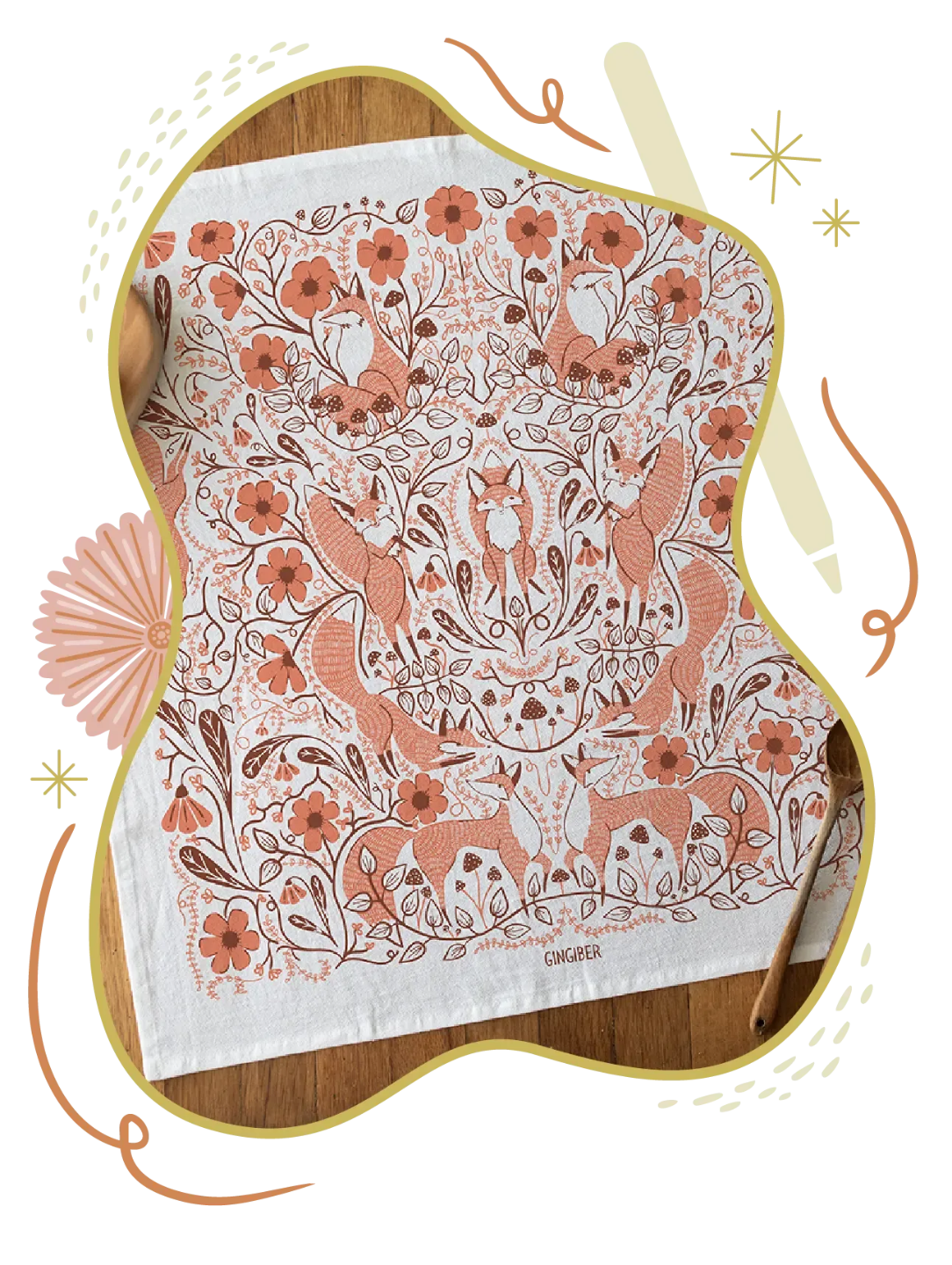
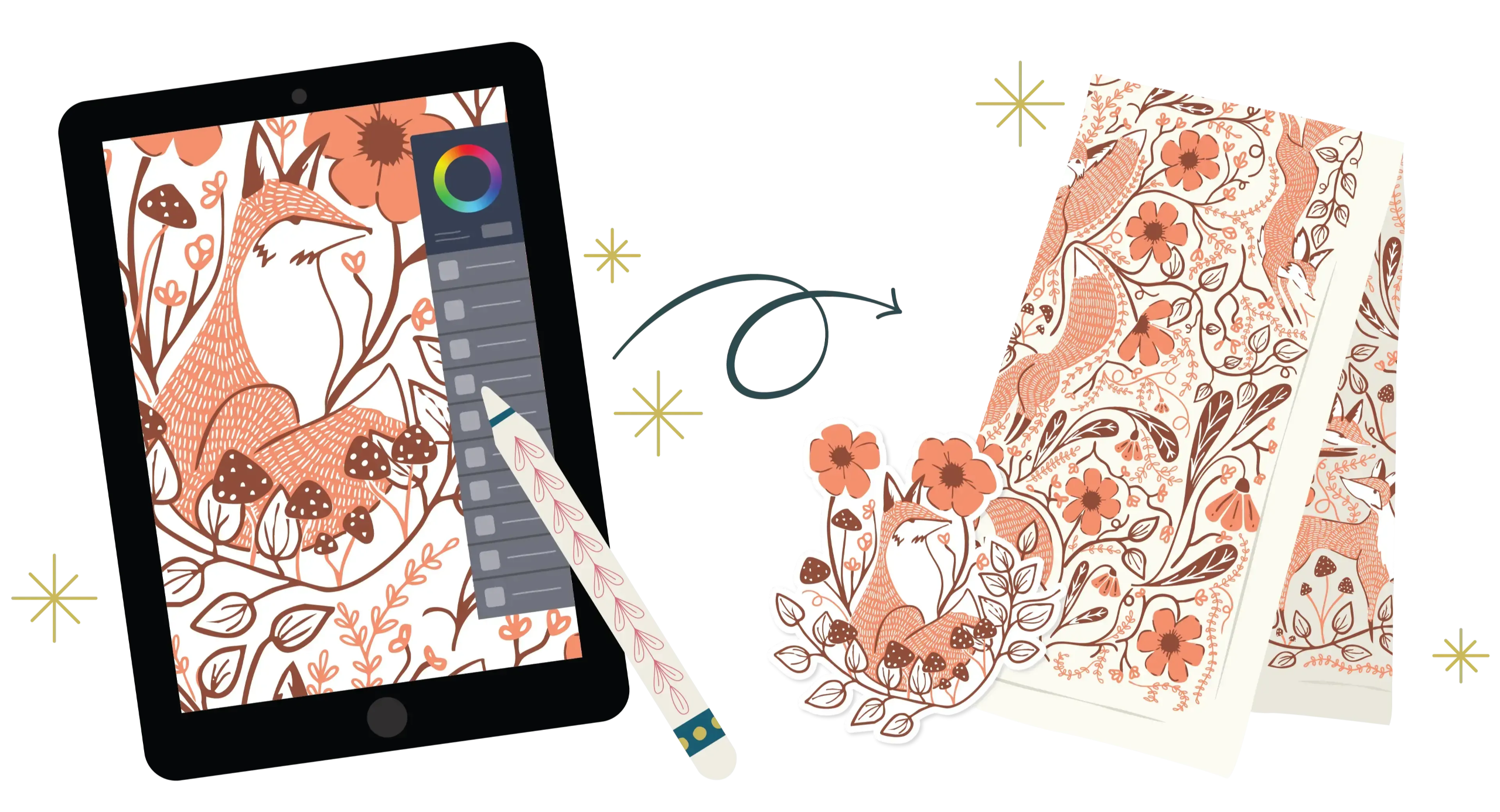
Create Your Fox Tea Towel Design (Start to Finish)
“I want to start and finish a simple art project!”
We’ll put it all together and create your tea towel design from sketch to finish. I’ll also show you how to export your file and prep it to share (and yes — add your logo if you want).
Plus, I'll show you how to:
🖨️ Export your artwork so it’s ready to share or print
💻 Upload your design to a print‑on‑demand site (optional)
📦 List it on Etsy (optional — only if you want to explore selling later)
Can’t watch live? You’re still in. You’ll have replay access for 7 days, so you can take this at your pace.
Less overwhelm. More making.
If you’ve been curious about Procreate but wondered if it’s “for you,” this is your pressure-free way to try.
You’ll get Trusted Steps, not “figure it out as you go.”


I Am Teaching YOU
How To Make Art!
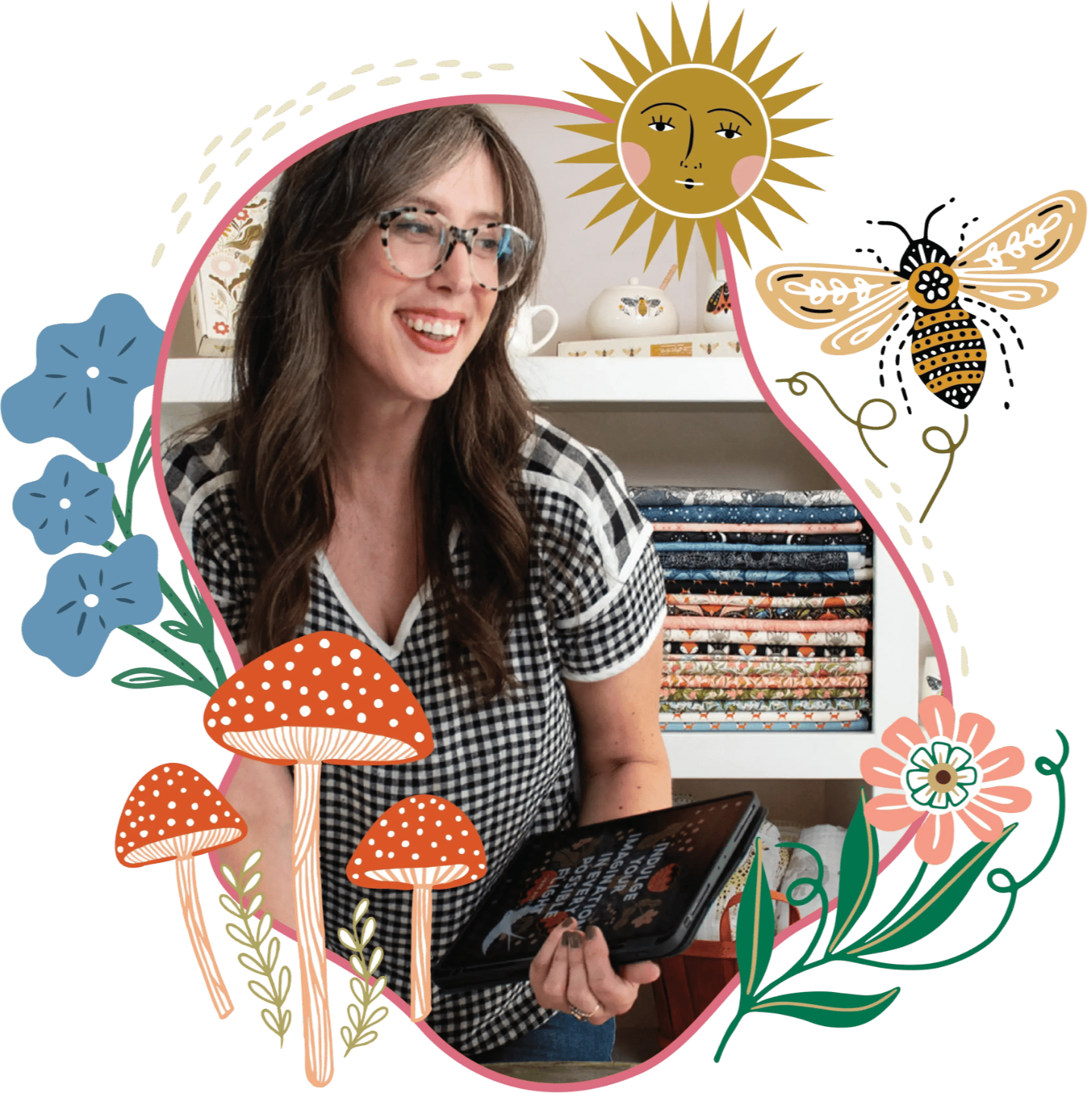
Hi, I’m Stacie — and I’ll teach you the way I wish someone taught me.
I’m Stacie Bloomfield, founder of Gingiber. For the past 17 years, I’ve built a career creating illustration that ends up on real products — tea towels, stationery, home goods, and more — sold in over 1,400 stores.
And here’s what matters for you:
I teach in a way that’s clear, encouraging, and practical — so you can learn Procreate without feeling behind, overwhelmed, or “not techy enough.”
Come borrow my Trusted Steps for three days — and surprise yourself with what you can make.
Your iPad Gives You:

Freedom to experiment because undo exists — and trying something new doesn’t waste supplies.
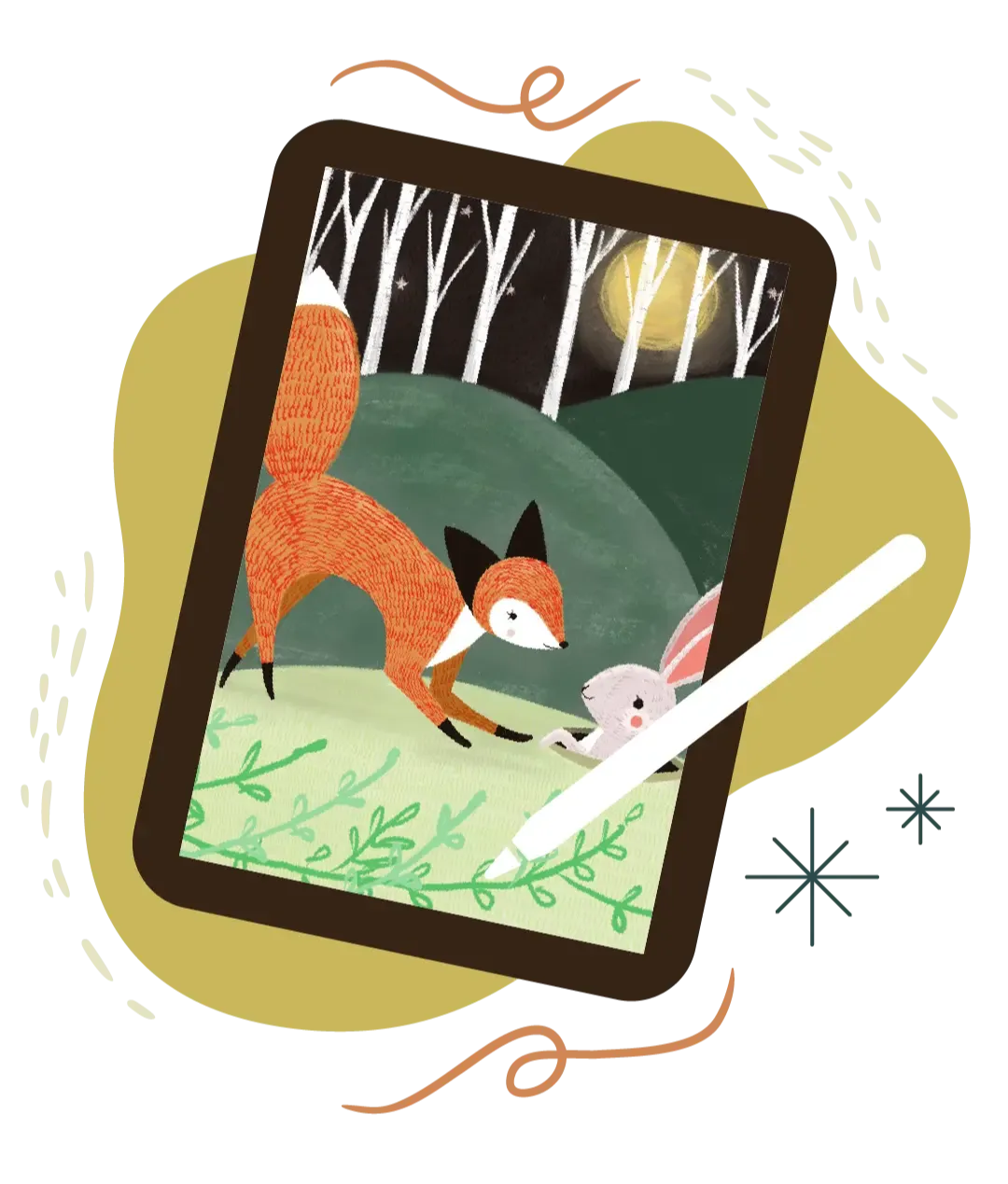
Faster progress with less friction. You can sketch, adjust, refine, and finish without starting over.

A bridge from traditional to digital so your hand-drawn style can live on the iPad — and still feel like you.
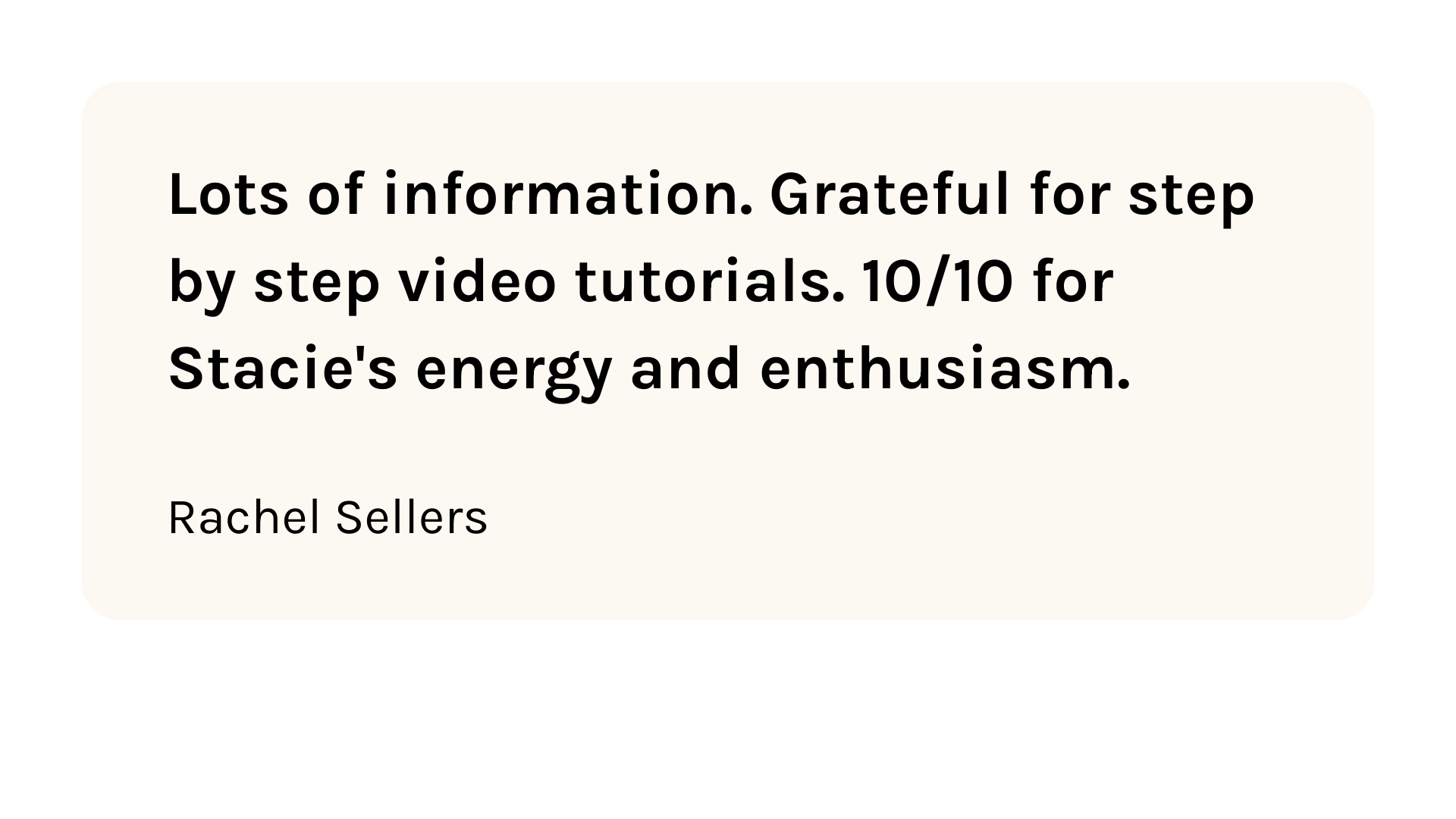
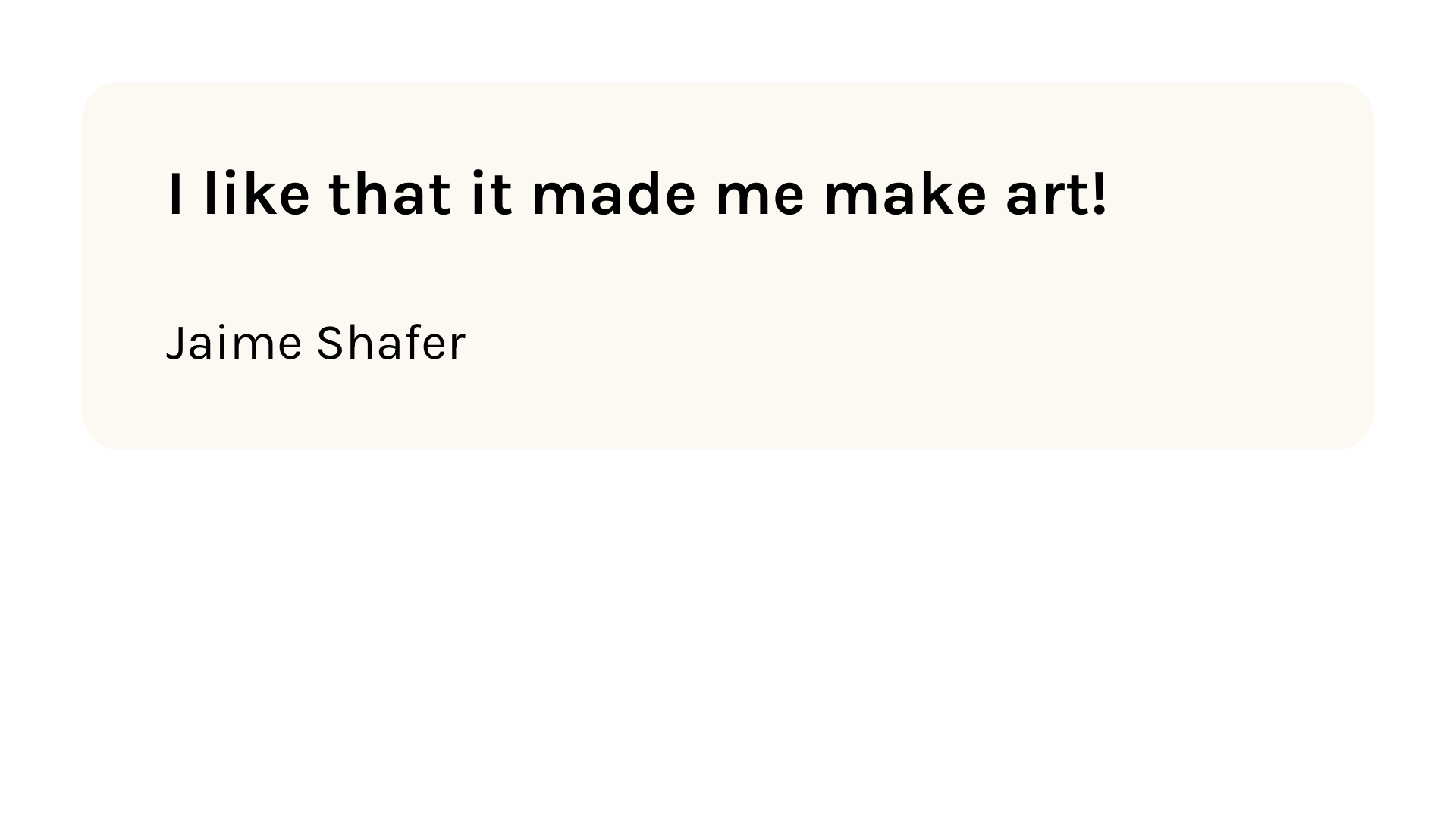
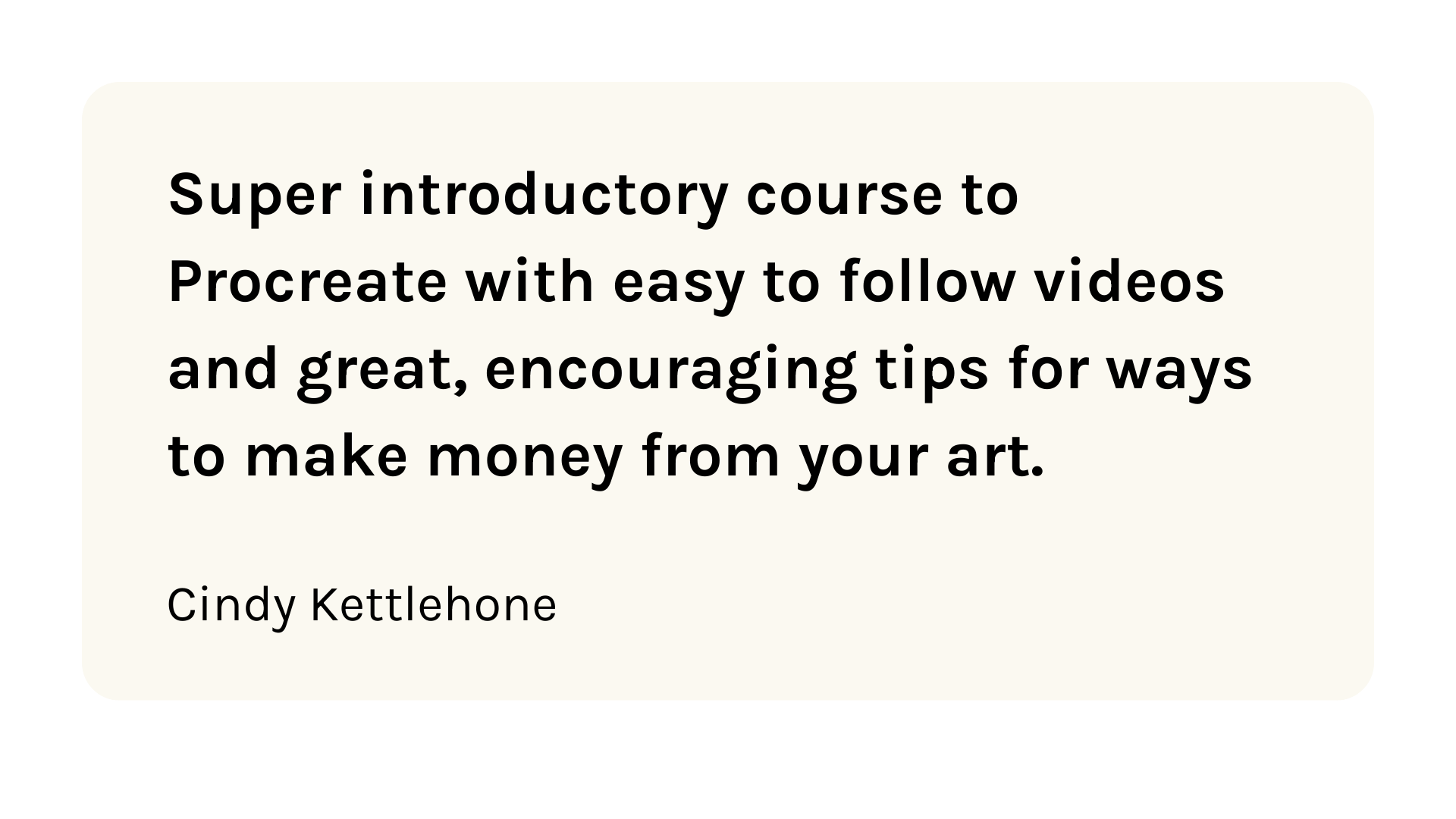
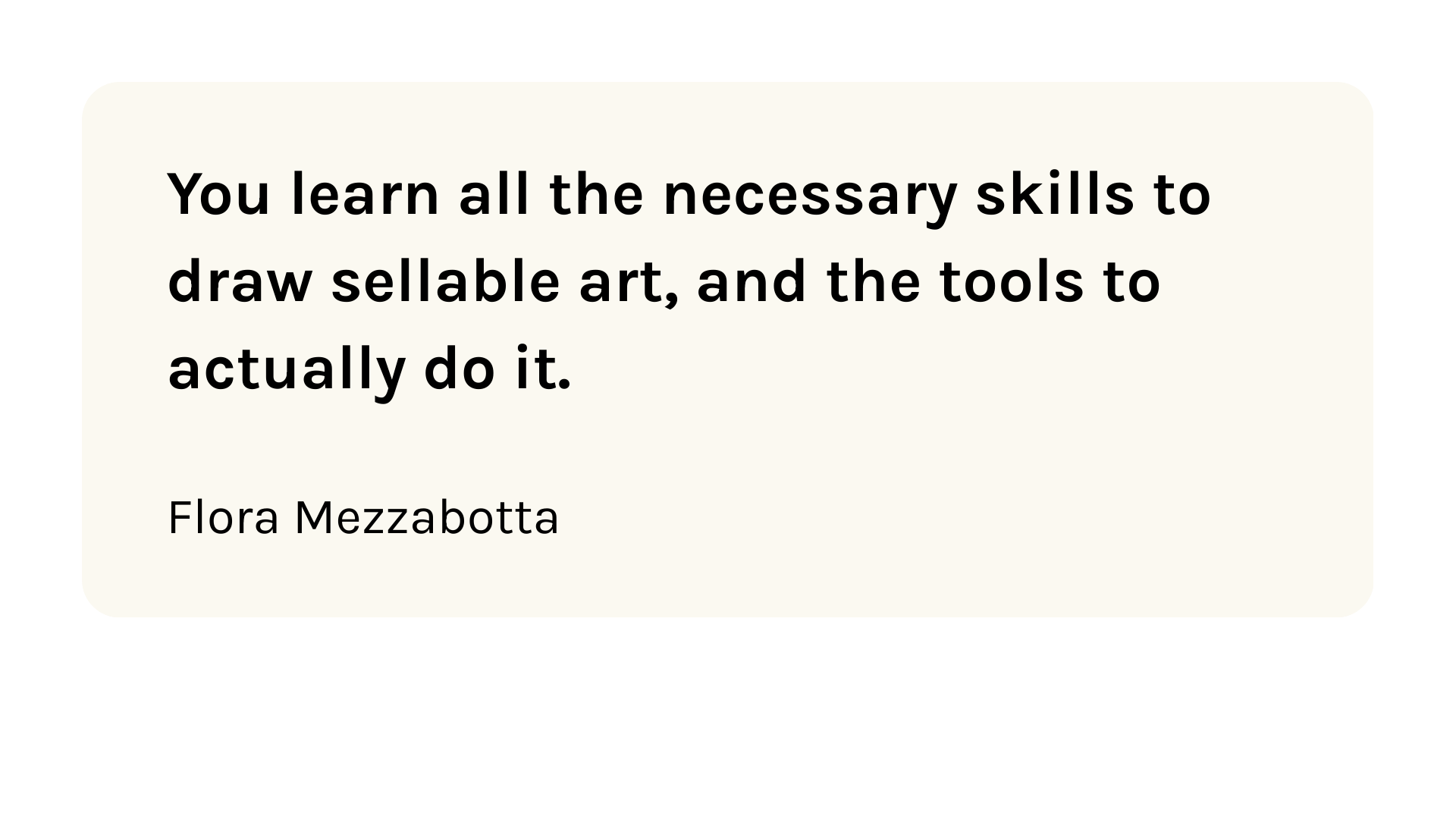
Last year, 22,000 people joined this workshop.
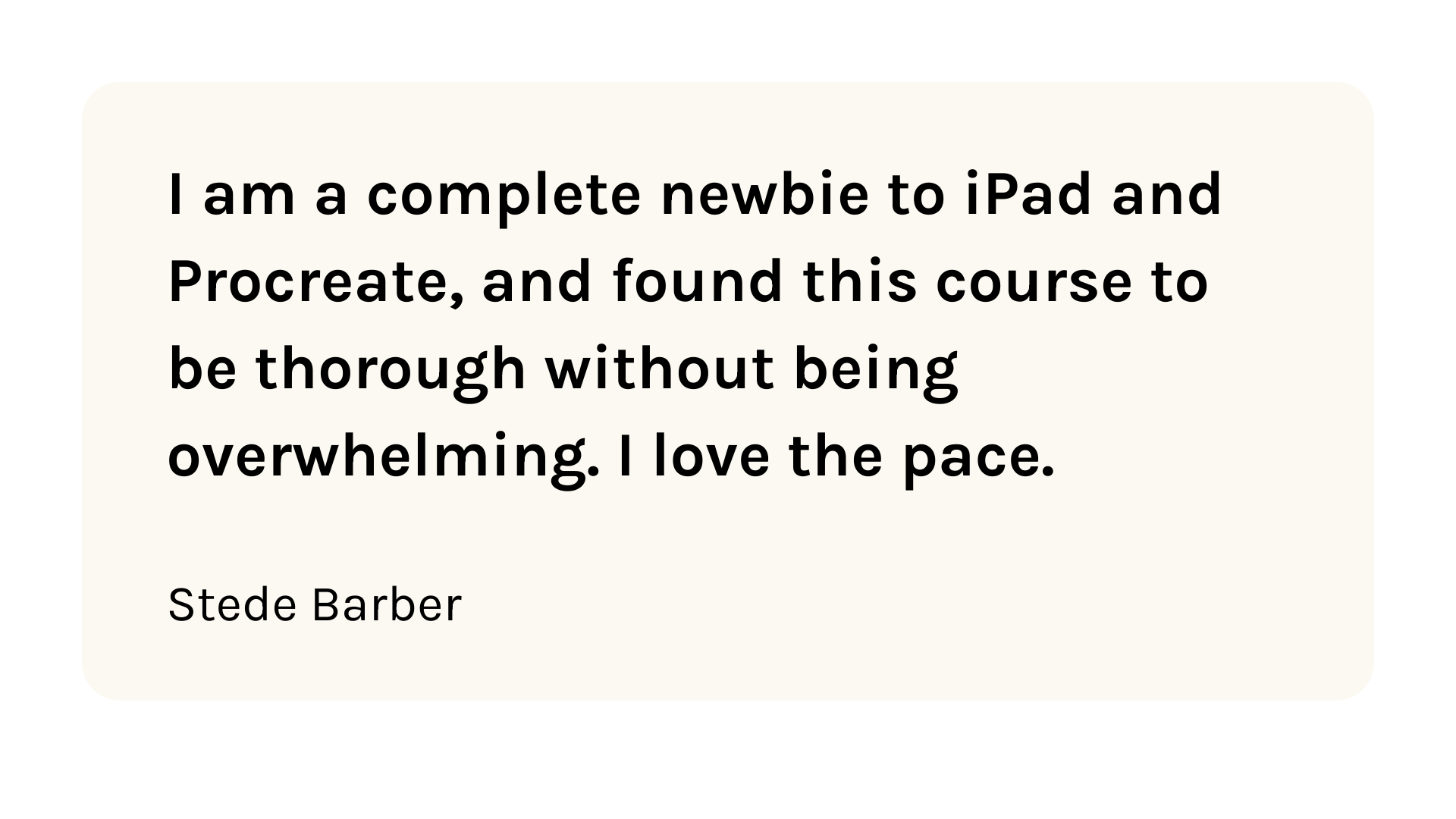
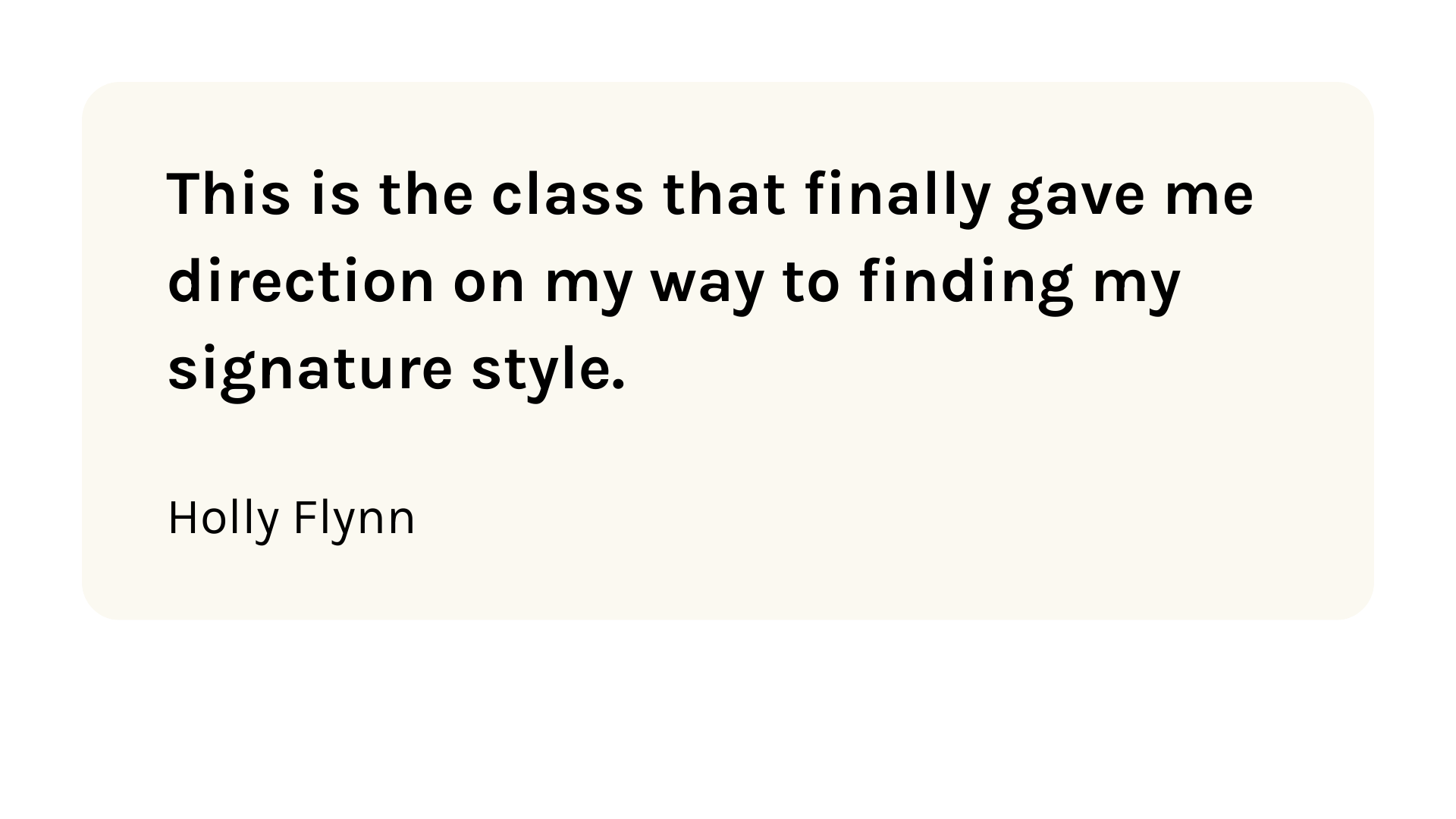
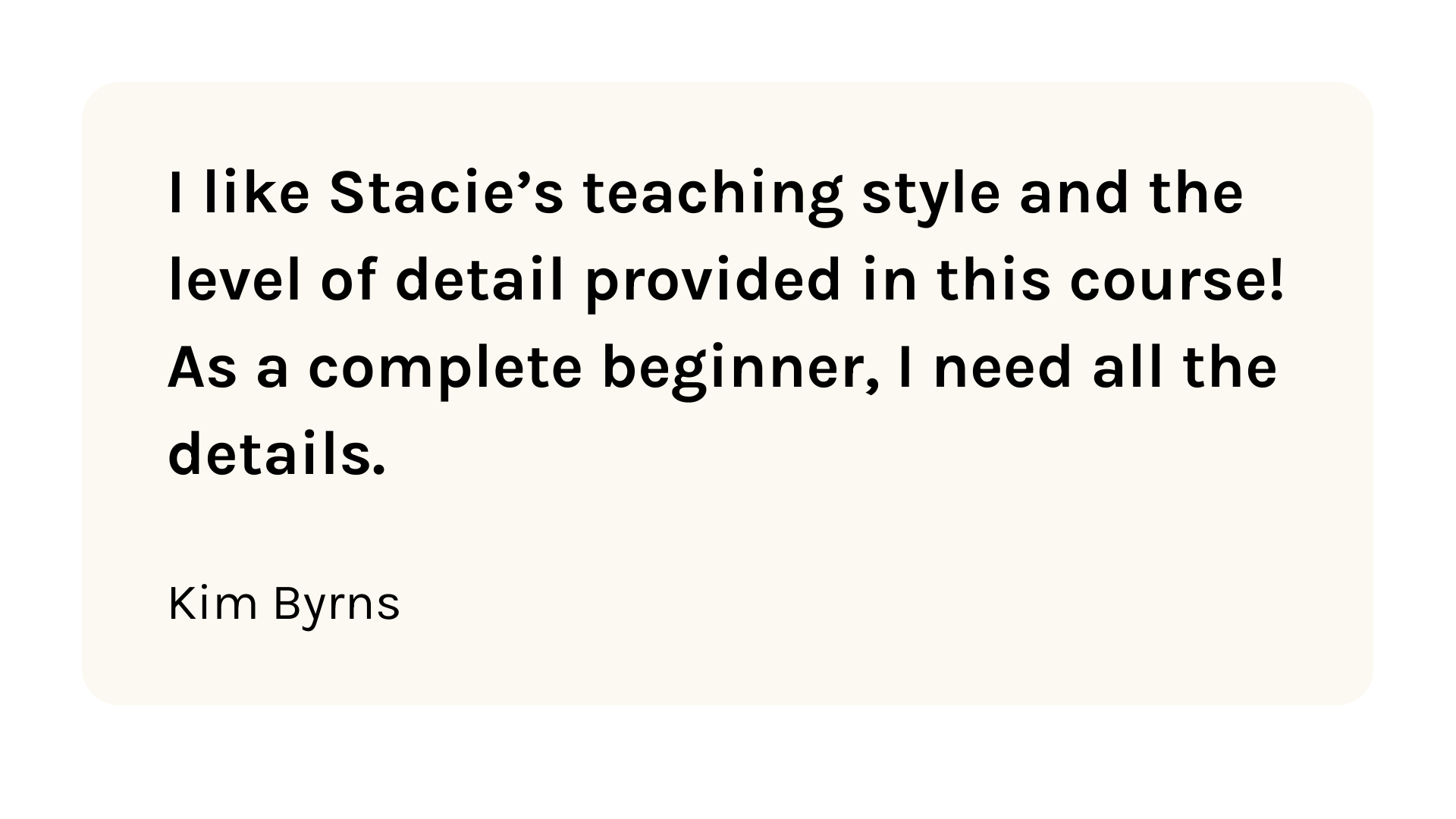
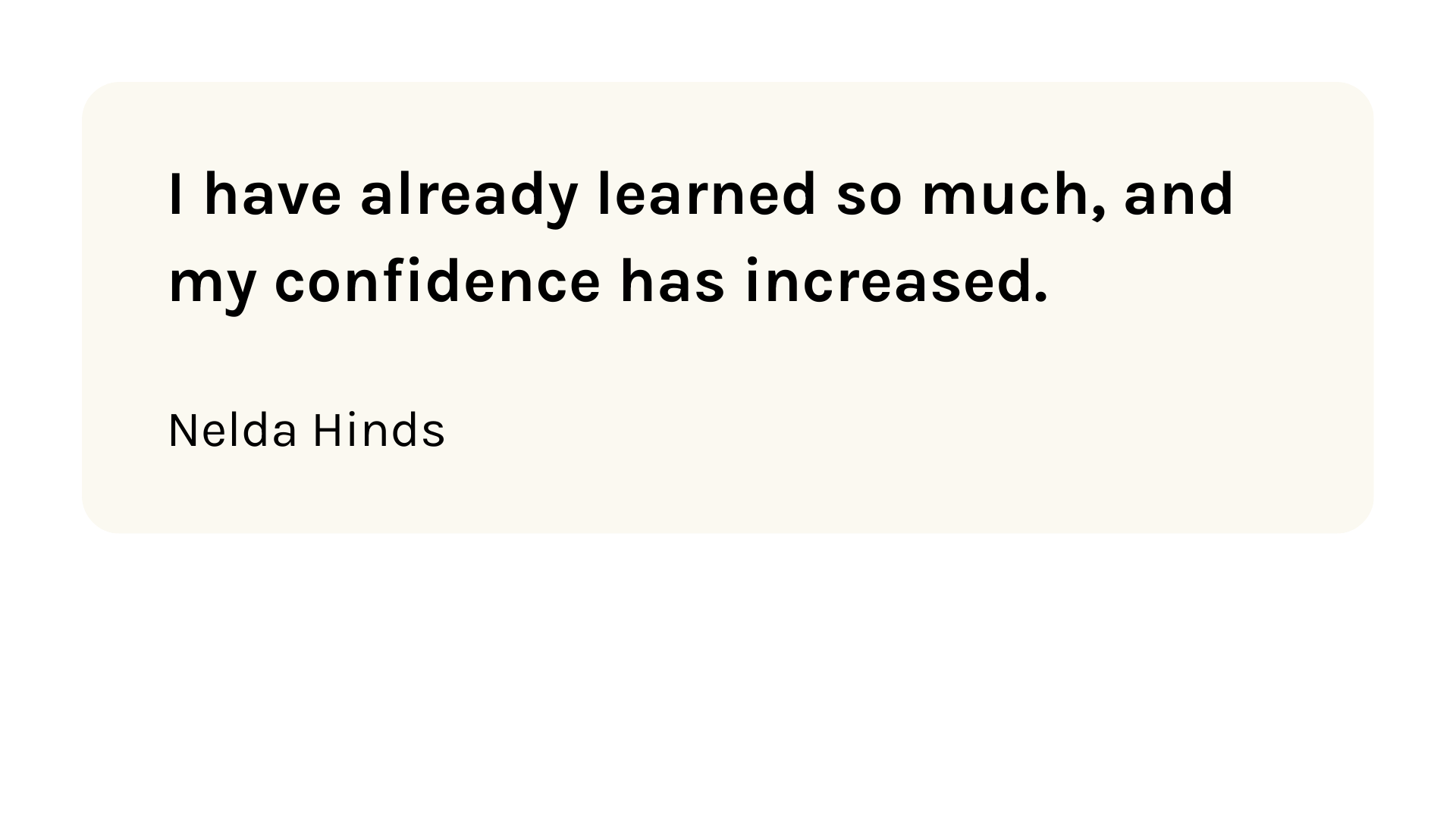
Join thousands of artists who used YDAS to finally feel confident taking their first steps in Procreate.

Frequently Asked Questions
When does Your Digital Art Start begin?
Should I still sign up if I cannot show up live to the lessons?
How do I get access to the workshop trainings?
How long are the trainings?
What kind of artists will this work for?
Do I need any special materials or supplies to take this workshop?
Disclaimer
March 10th - 12th
Register for “Your Digital Art Start” (FREE)
A calm, beginner-friendly start in Procreate — with Trusted Steps that help you finish your first project without overwhelm.