How to checkout using PayPal credit for 6 months interest free payment (U.S. customers only)
There are a few steps to follow during checkout so that you can take advantage of PayPal's 6 month 0% interest payment plans.
CLICK HERE to apply for PayPal Credit.
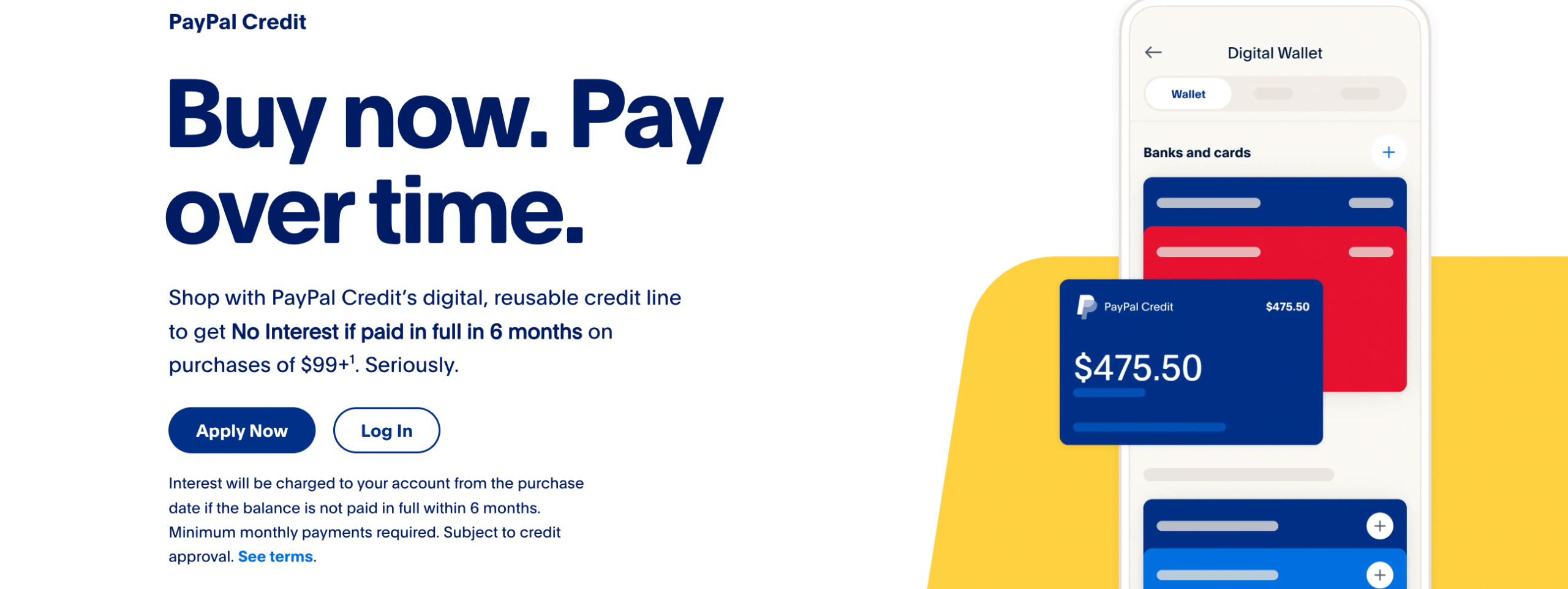
1. Apply for PayPal Credit:
CLICK HERE to apply. To use PayPal Credit, you must first apply for it. You can do this by logging into your PayPal account and clicking on the PayPal Credit link. Fill out the application form and submit it. You will receive a decision within seconds.
2. Link PayPal Credit to your account:
Once you have been approved for PayPal Credit, you need to link it to your PayPal account. This can be done by going to your PayPal wallet and selecting PayPal Credit as your preferred payment method.
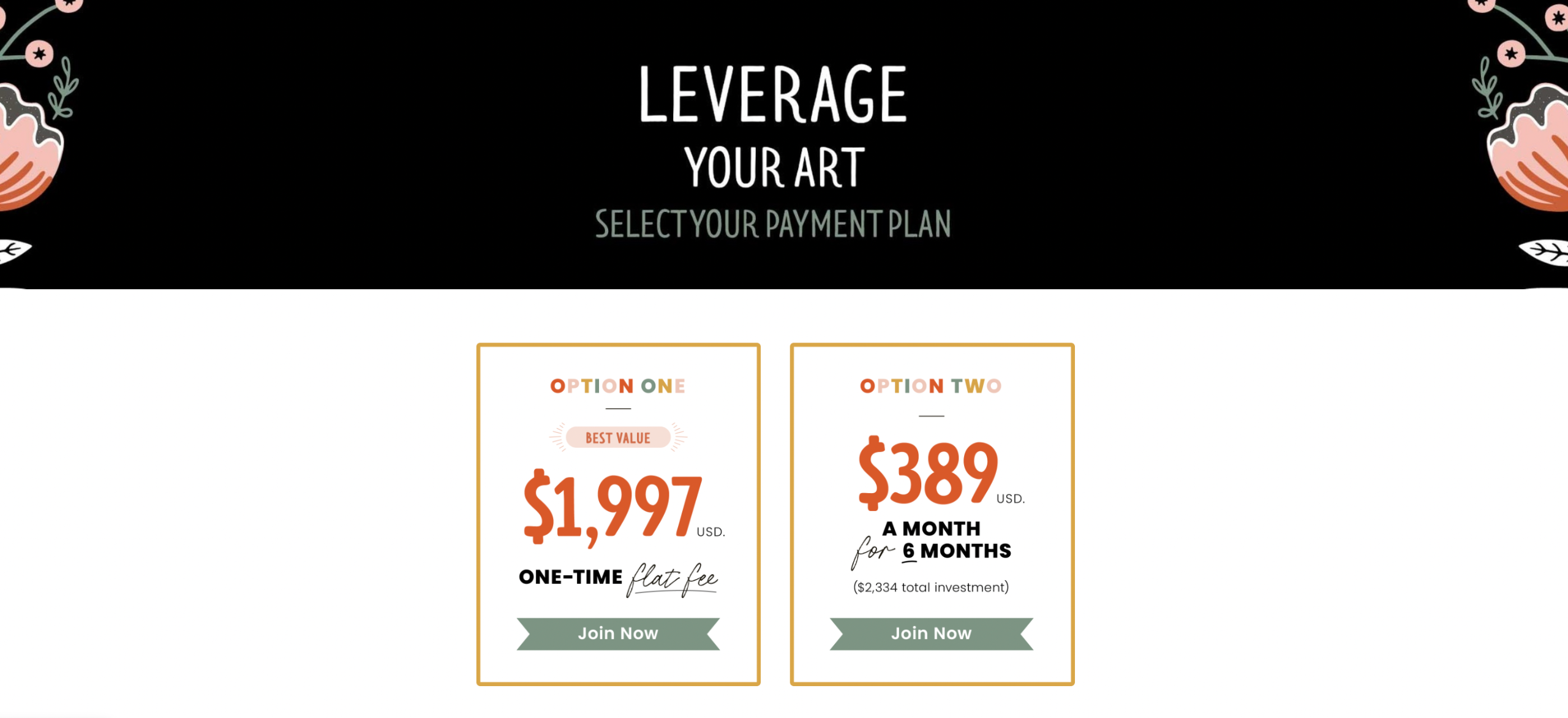
3. Prepare to checkout:
To use your PayPal Credit line for Leverage Your Art, visit www.leverageyourart.com/course and select the One-Time Flat Fee Payment Plan.
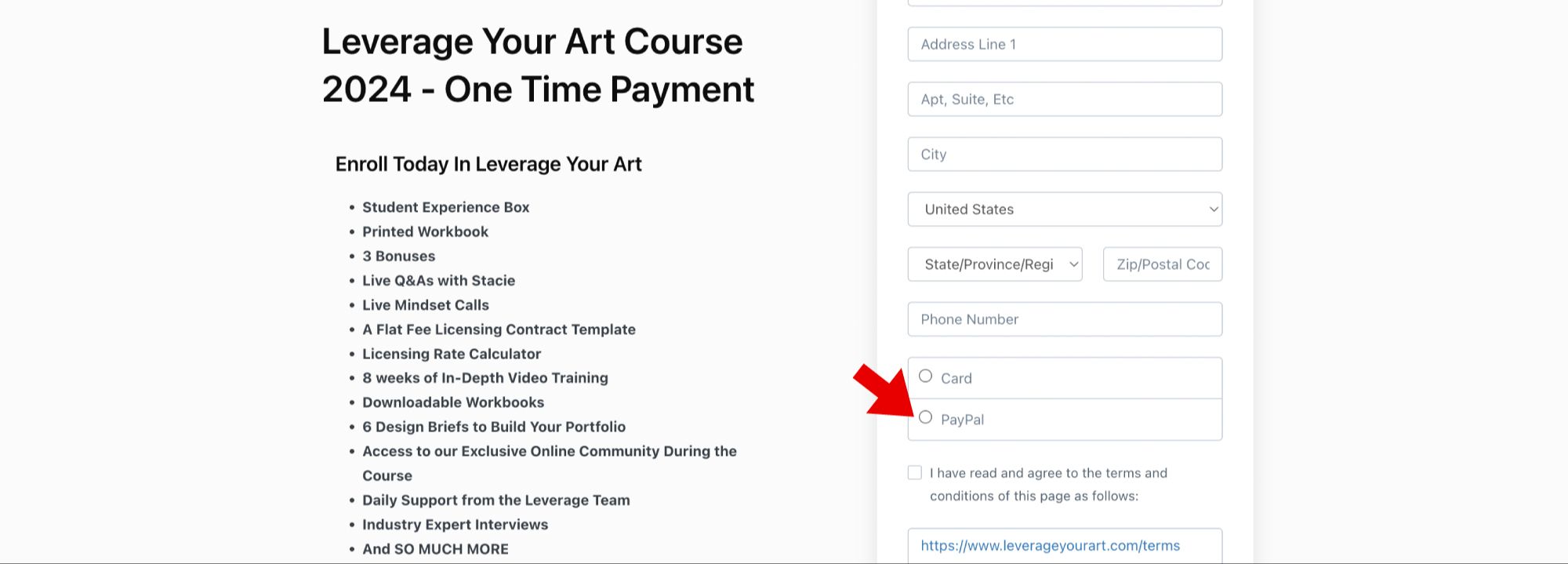
4. Use PayPal Credit to make purchases:
When you are ready to make a purchase, first, select PayPal as your payment option during checkout.
Then, select PayPal Credit as your payment method at checkout. You will be asked to enter your PayPal Credit information, including your credit limit and available credit. You can then choose to pay in full or make payments over time.